Prerequisites
Before you can configure and use PowerBI.com with Connect AI, you must first connect a data source to your Connect AI account. See Sources for more information.Connect to Connect AI
1
Click Create, and then navigate to Get data > Choose data source.
2
In the search bar, enter CData Connect and click the CData Connect Cloud Connector.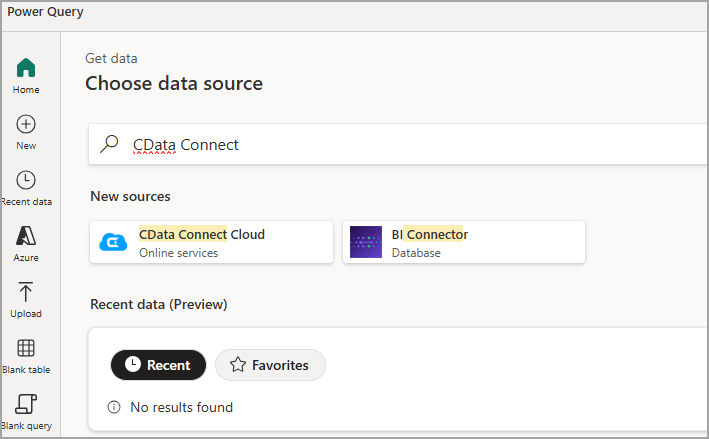
3
In Connection settings, click Sign in and enter your Connect AI credentials when prompted.
4
Return to Connection settings and click Next.
5
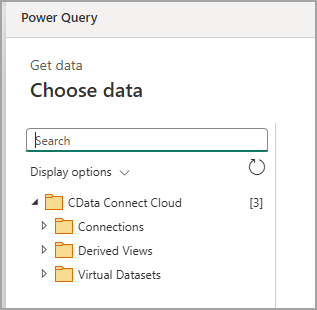
You are now connected to your data source within Connect AI.