

前提条件
接続する前にまず以下を実行します。- データソースをConnect AI アカウントに接続します。詳しくは、Sources を参照してください。
- Settings ページでPersonal Access Token (PAT) を生成します。PAT をコピーし、認証時にパスワードとして使用します。
Connect AI に接続する
Geckoboard からConnect AI の仮想SQL Server API へのコネクションを確立するには以下の手順に従います。1
Log in to Geckoboard.
2
Click Add widget.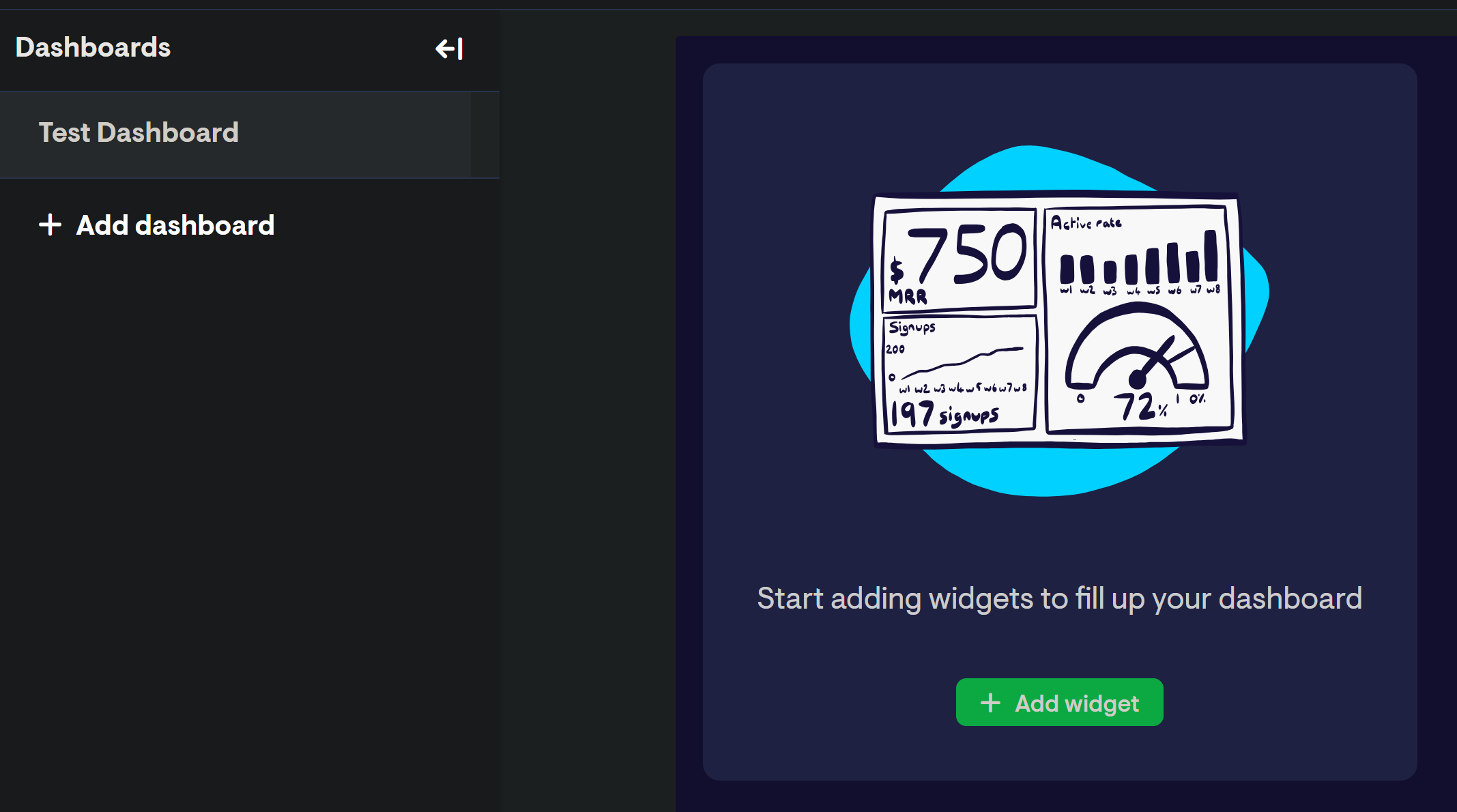
3
Search for “Databases” and click the resulting option.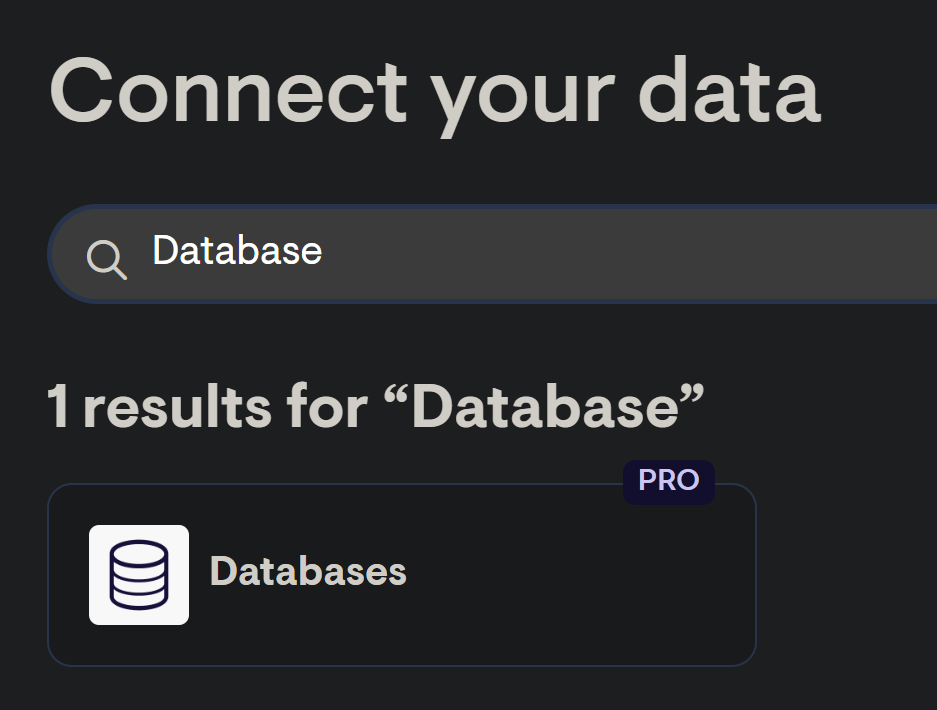
4
Select SQL Server as the database type.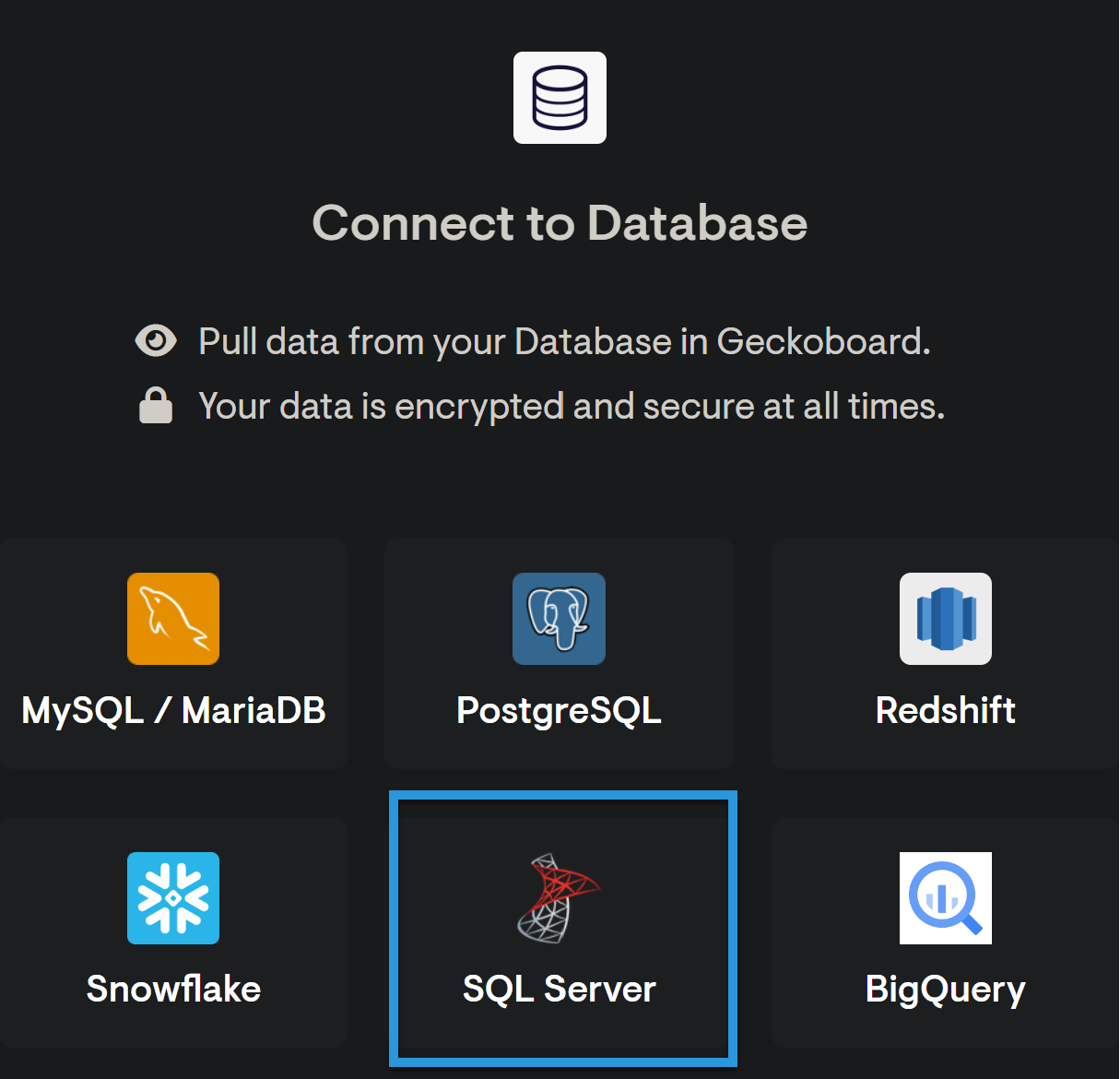
5
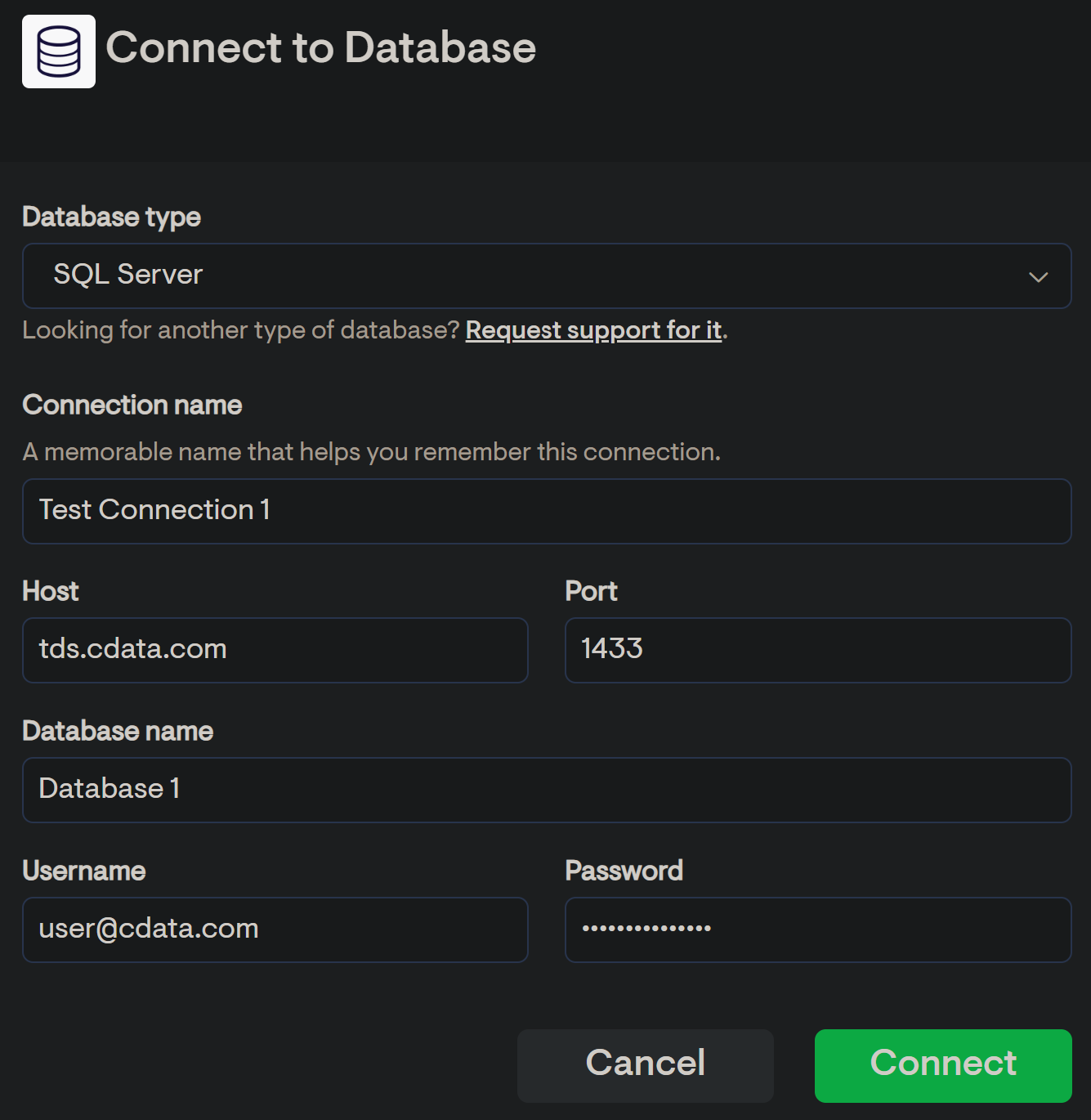
Fill in the connection details:
- Connection name—enter a name for the connection to Connect AI.
- Host—enter tds.cdata.com
- Port—enter 14333
- Database name—接続したいConnect AI データソースのConnection Name を入力します。例:Salesforce1
- Username—Connect AI のユーザー名を入力します。ユーザー名は、Connect AI の画面の右上に表示されています。例:
[email protected] - Password—Settings ページで生成したPAT を入力します。
6
Click Connect.