Prerequisites
Before you can configure and use LangGraph with Connect AI, you must first do the following:- Generate an OAuth JWT bearer token. Copy this down, as it acts as your password during authentication.
- Obtain an OpenAI API key: https://platform.openai.com/.
- Make sure you have Python >= 3.10 in order to install the LangChain and LangGraph packages.
Create the Python Files
1
Create a folder for LangGraph MCP.
2
Create a Python file within the folder called
langraph.py.3
Paste the following text into
langraph.py. Set MCP_AUTH to the OAuth JWT bearer token from the prerequisites.Install the LangChain and LangGraph Packages
Run the following command in your project root terminal:Run the Python Script
1
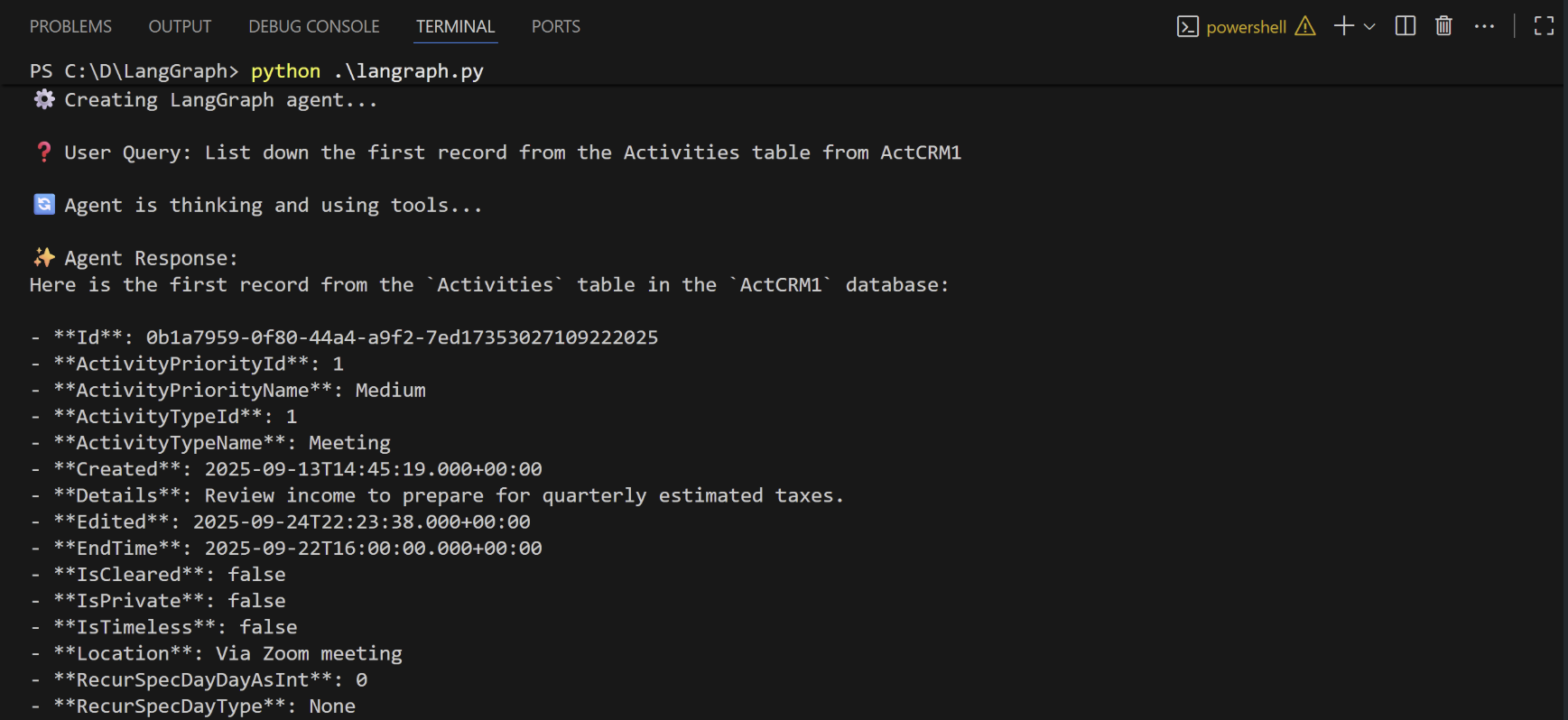
When the installation finishes, run the following command to execute the script:
2
The script discovers the Connect AI MCP tools needed for the LLM to query the connected data.
3
Supply a prompt for the agent. The agent provides a response.