

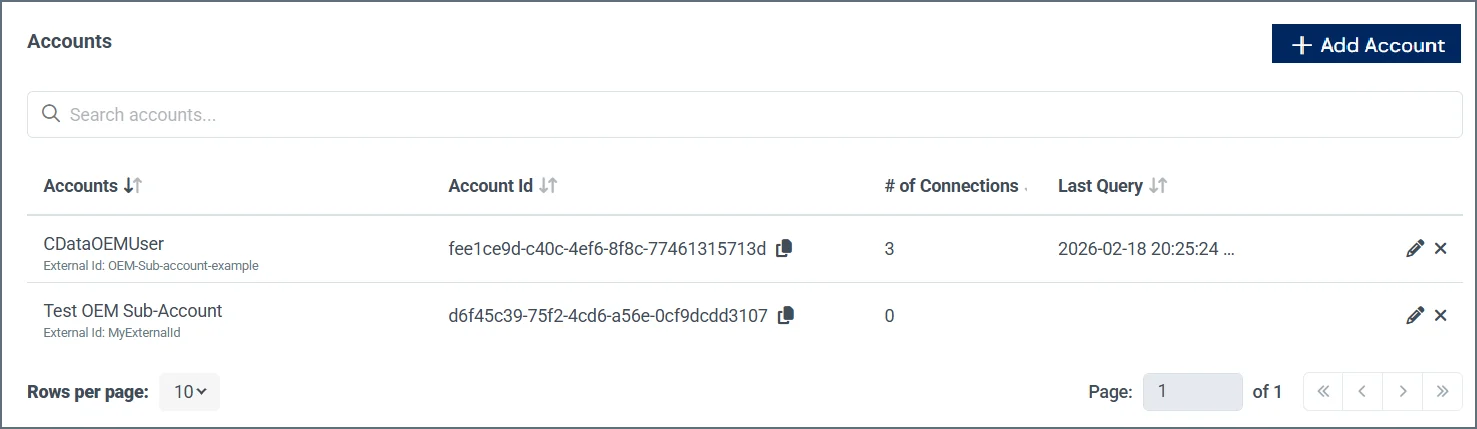
- Accounts—The name and external Id name of the sub-account.
- Account Id—The internal CData account Id of the sub-account.
- # of Connections—The number of connections associated with the sub-account.
- Last Query—The date and time the sub-account last executed a query.
- Account Actions—The icons in the last column represent the various actions you can perform on an account.
- Edit (🖉)—Edit the account name and external Id of the sub-account.
- Delete (🗙)—Delete the sub-account.
1
Click +Add Account.
2
Enter the Account Name and External ID. The external Id is the customer’s identifier.
3
Click Confirm.